
A private photo vault for Android. Encrypts your photos and videos
on-device with AES-256 — no cloud upload, no account, no compromise.
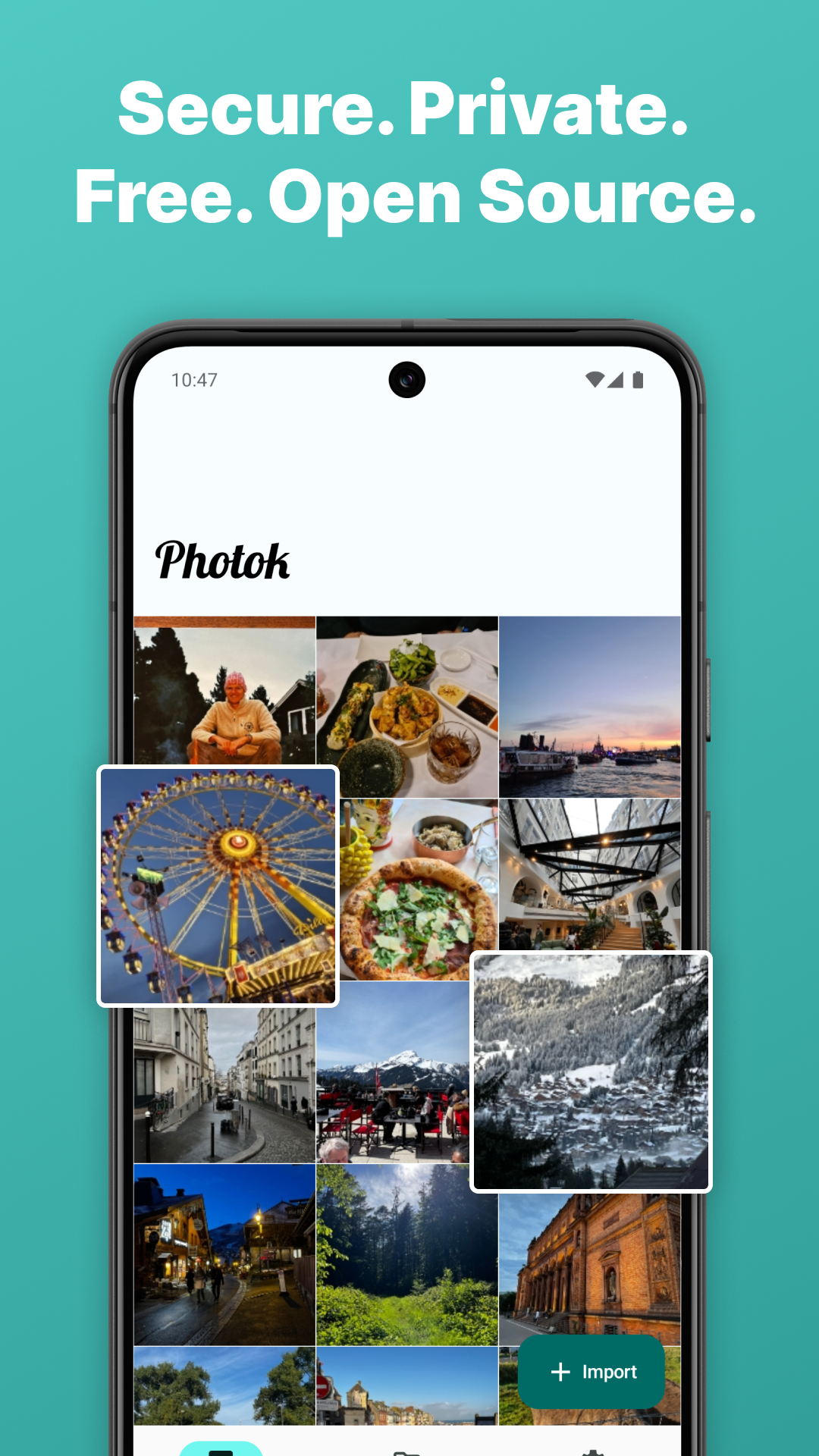
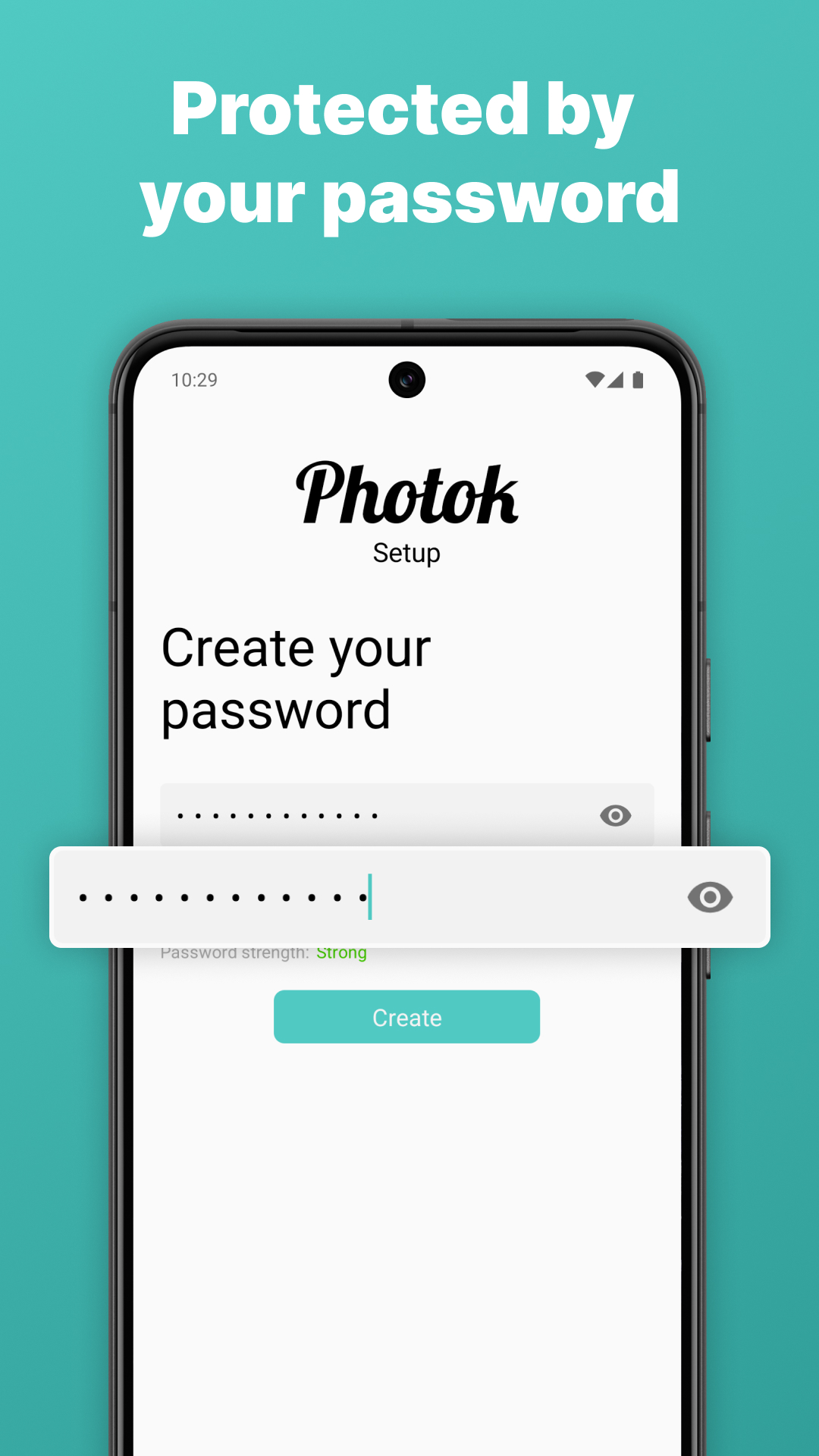
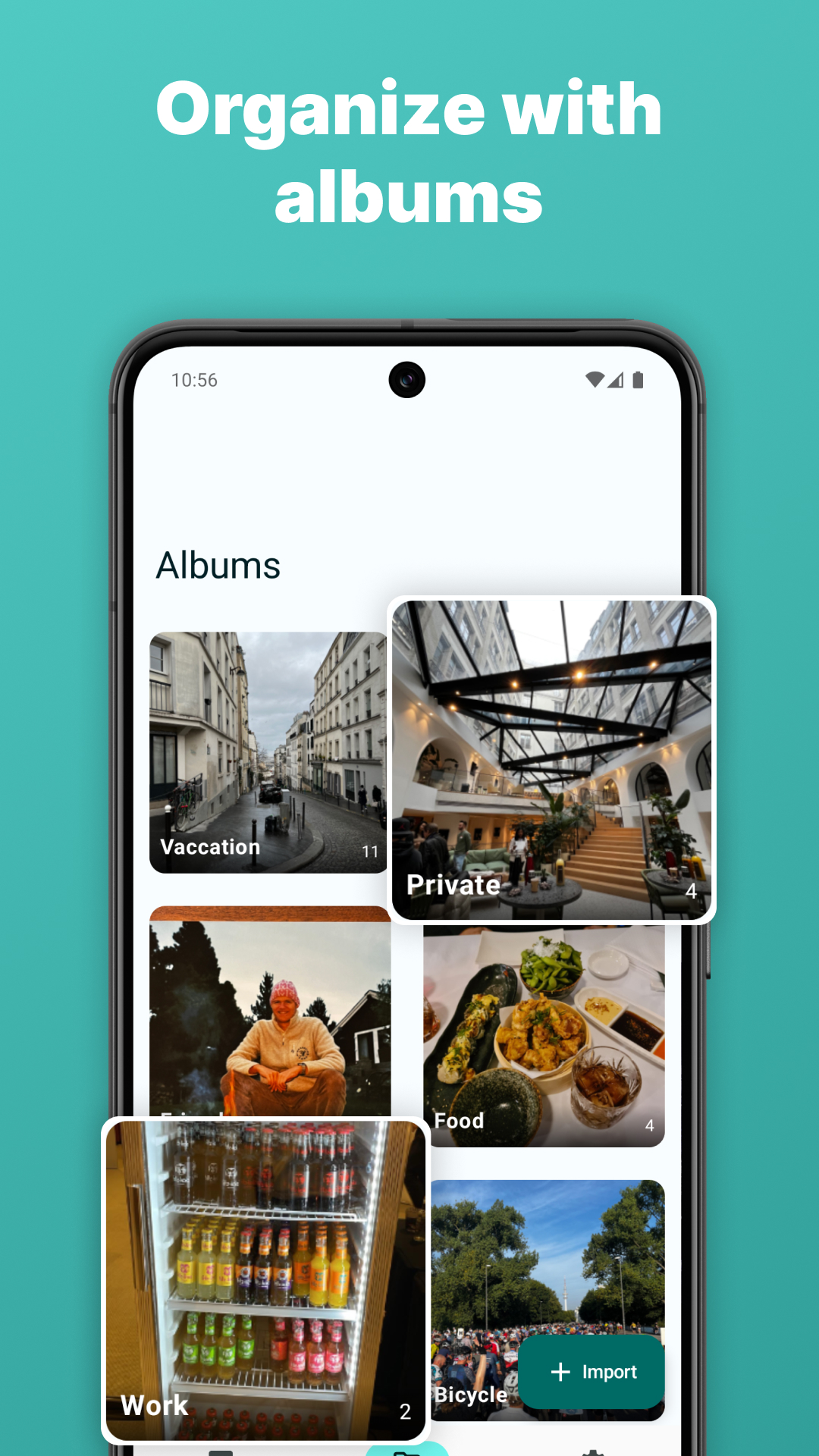
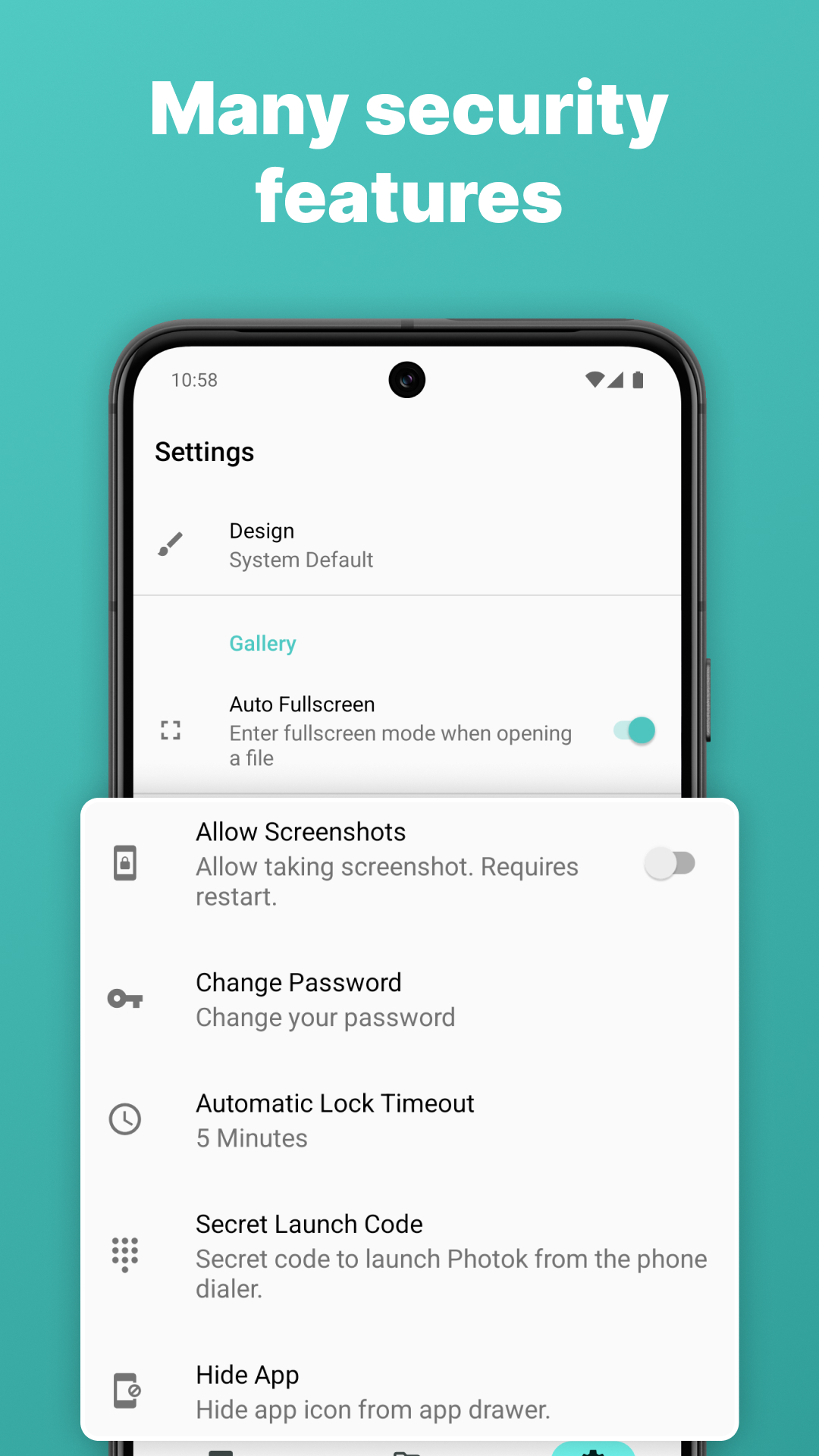
Photok gives you a private space for photos and videos. Imported media is protected with AES-256 encryption and only decrypted in memory while you use the app. Photok does not upload your media to a cloud service.
See all features →Import photos and videos into an encrypted gallery. Organize into albums and view anytime.
Every file is strongly encrypted. Decryption only happens in memory — never written unprotected to disk.
Unlock your vault quickly and securely with fingerprint authentication.
Create and restore encrypted backups for your private media.
Optionally remove original files after importing them into your vault.
Share directly into the vault or export files on your terms, whenever you choose.
Optionally hide the app icon from your launcher for an extra layer of discretion.
Send photos and videos straight from any app into your encrypted vault in one tap.
Photok is built with a privacy-first philosophy. No account, no cloud upload, no ads. It uses privacy-friendly analytics to improve stability and user experience; these are never used for advertising or cross-app tracking. The core app source code is public so you can verify how it works.
Choose the distribution that fits your privacy expectations.